Features / Check out & return
Who has the grinder? Now you can answer in five seconds.
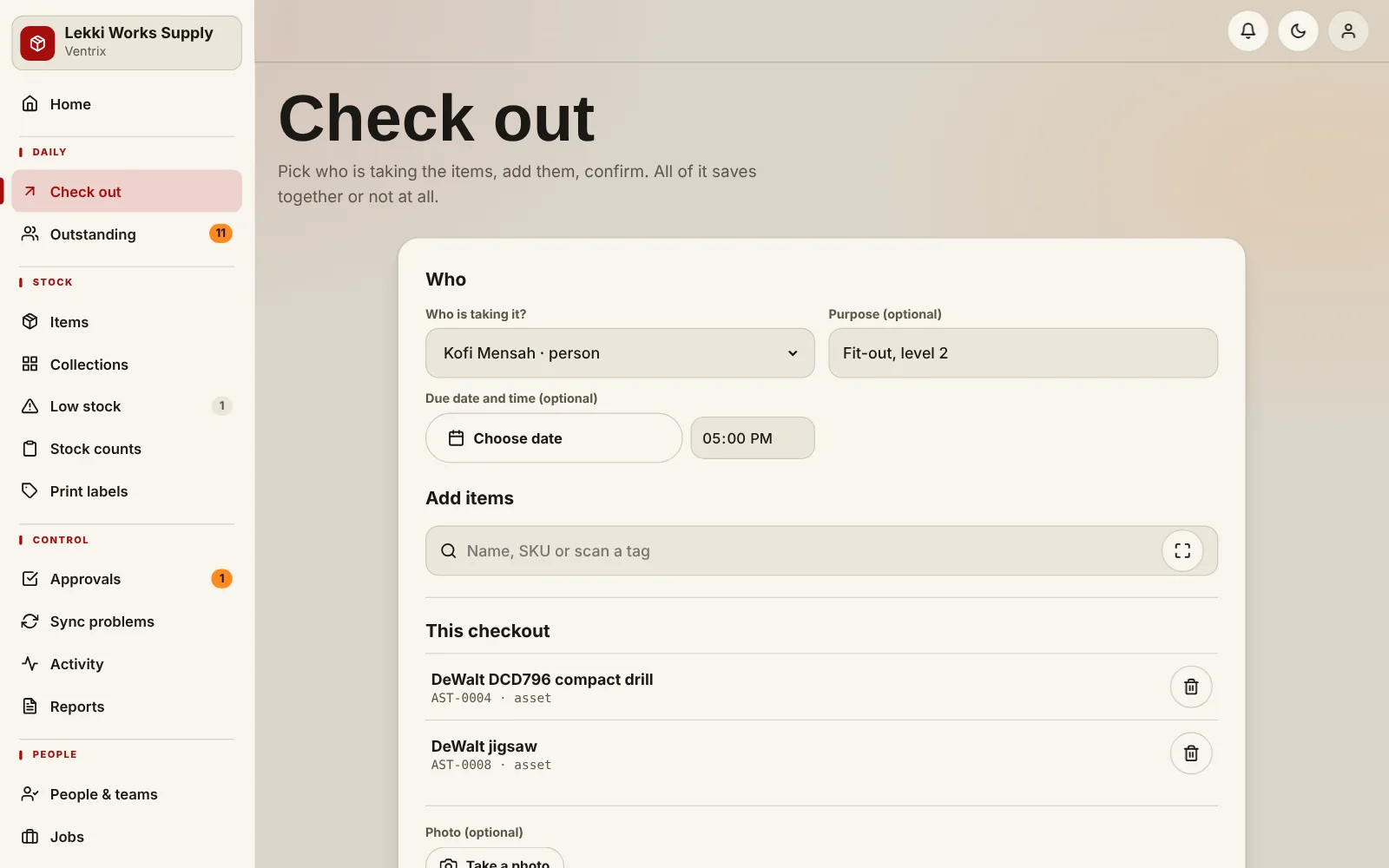
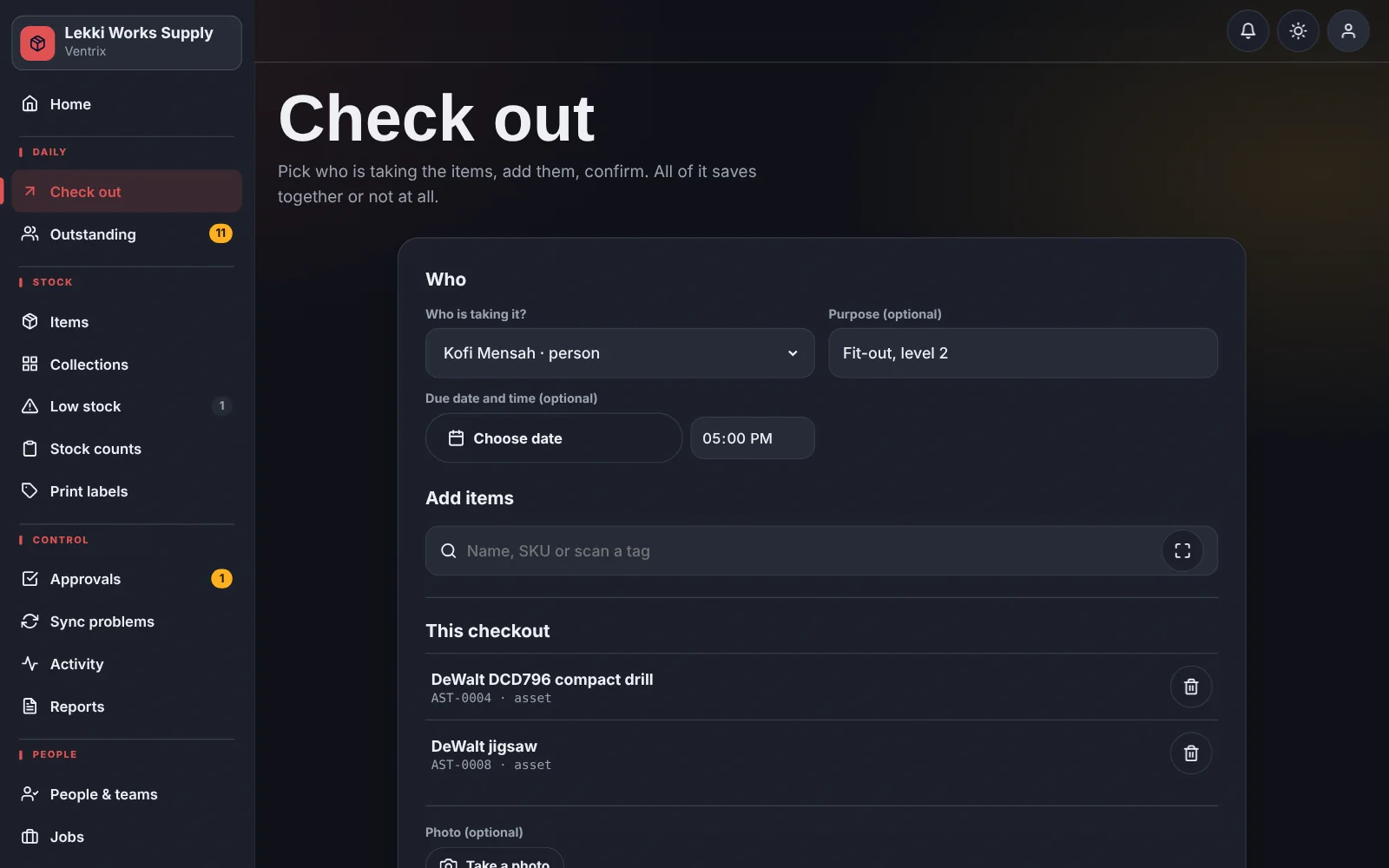
Scan or search, pick who is taking the items, confirm. A whole batch is saved together or not at all, and every return is matched to the person who took it.
What you get
- Check out several items to one person, team or job in a single step
- Due dates with “due soon” and “overdue” flags that everyone sees
- Partial returns: bring back 3 of the 5 you took and the other 2 stay on the record
- Holders can be people, teams, departments or job sites
- The Outstanding board shows everything currently out, sorted by who is late
How it works
Search or scan the item.
Choose who is taking it, and add a job or purpose if you want one.
Confirm. The item shows as checked out with a name and a date.
When it comes back, check it in and note its condition.
Common questions
Can one person take many items at once?
Yes. A batch check-out saves every line together, so you never end up with half a list recorded.
What if someone returns only part of what they took?
Record the part that came back. The rest stays outstanding against that person, with the original date.
Put a name next to every tool.
Add your items, add your team, and start checking things out.