Features / Stock counts
Month-end counts that actually close.
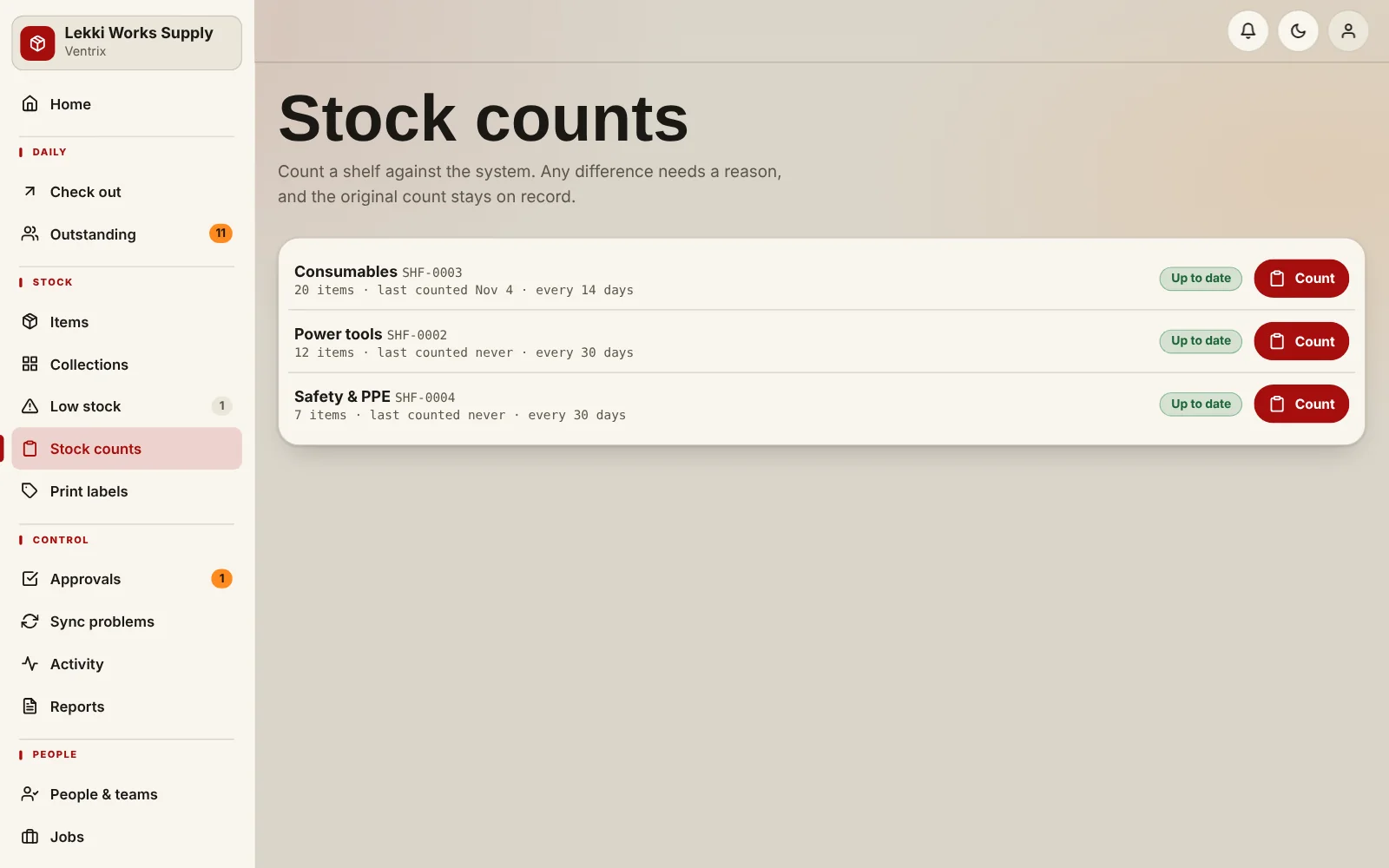
Count one shelf at a time against what the system expects. Every difference needs a reason, and adjustments can go through an approver so the numbers stay trustworthy.
What you get
- Each shelf has its own cycle, such as every 30 days, with a “next count due” date
- Counting is blind-friendly: you see the item, you enter what is physically there
- A reason is required whenever the count differs from the system
- Adjustments can wait for supervisor approval
- Photo evidence can be required for counts
How it works
Start a count on a shelf.
Enter what you physically find for each item.
Explain any difference.
Close the count. Approved differences update the stock.
Common questions
Who can run a count?
Supervisors and admins run counts. Staff can still do their daily check-outs and returns.
What if the count is off?
The difference is recorded with a reason and a name, and goes to approval if your policy says so.
Put a name next to every tool.
Add your items, add your team, and start checking things out.