Features / Stock levels & low stock
Run out of gloves on the job? Not twice.
Tools come back; consumables get used up. Ventrix tracks both, and warns you before the shelf is empty rather than after.
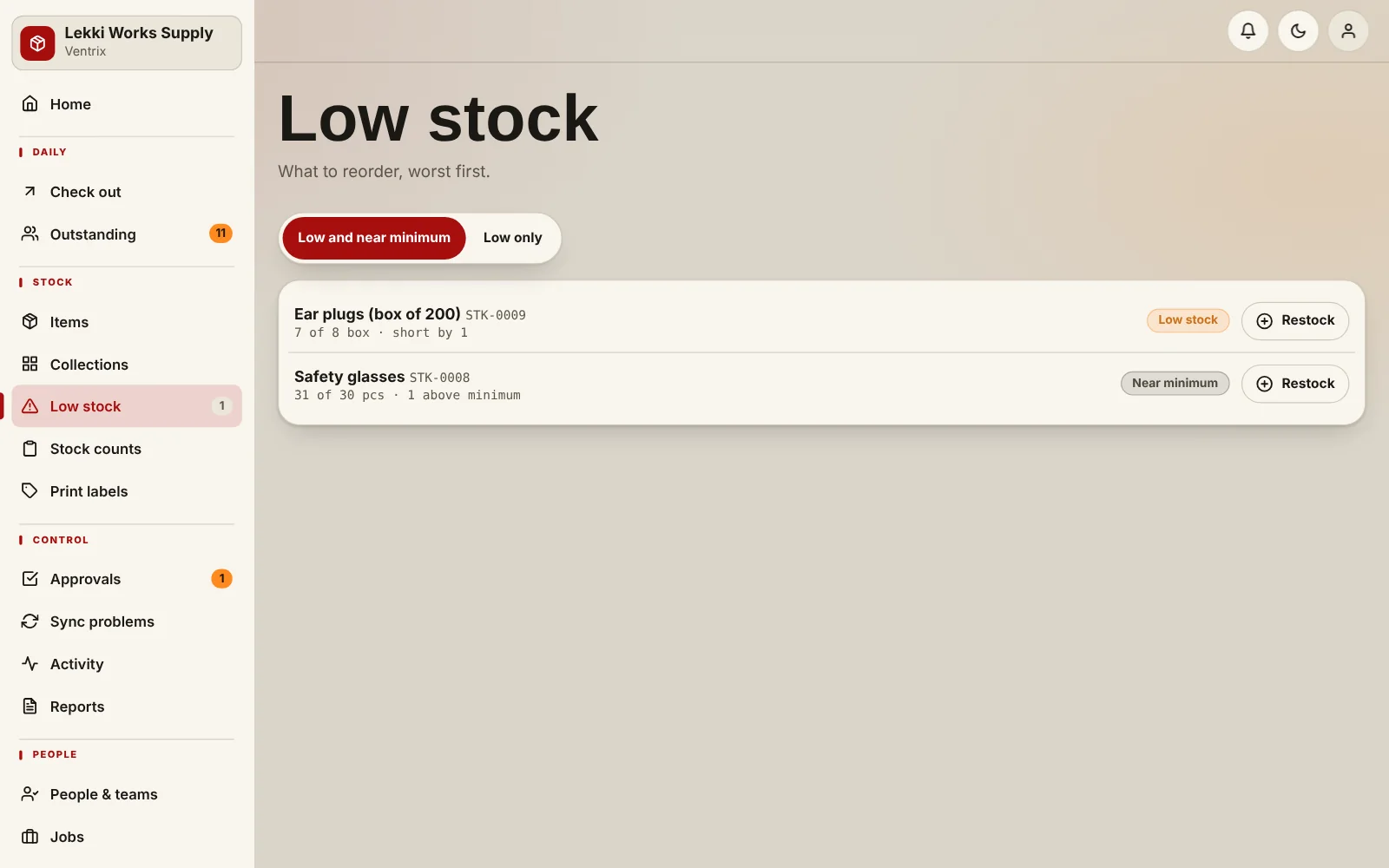
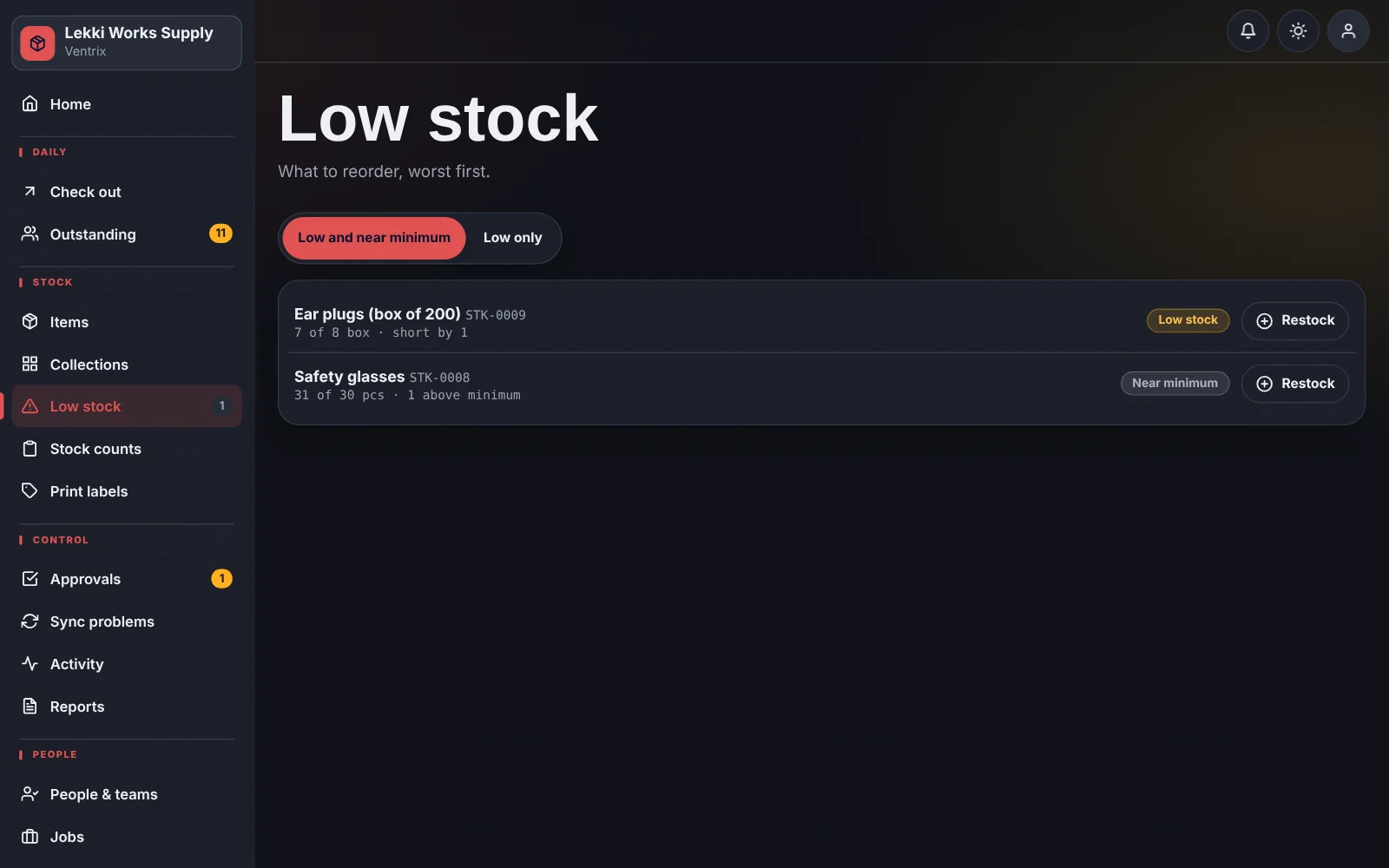
What you get
- Set a minimum and a reorder quantity per item
- Two warnings: “near minimum” and “low”, so there is time to reorder
- Use up and restock with a quantity and a note
- The low-stock list shows how short you are and how much to reorder
- Organise by shelf and category, with photos on every item
How it works
Add the item and set its minimum.
Record use and restocks as they happen.
Open Low stock to see what to buy this week.
Common questions
Can I track both tools and consumables?
Yes. Assets (things that come back) and consumables (things that get used) are handled differently, because they are different.
Can I import my existing list?
Admins can import items from a spreadsheet to get started quickly.
Put a name next to every tool.
Add your items, add your team, and start checking things out.