Features / Roles, approvals & photos
Control without the paperwork.
Give each person a role. Decide which actions need a second pair of eyes. Let people share a counter tablet with a quick PIN. Everything lands in an activity log.
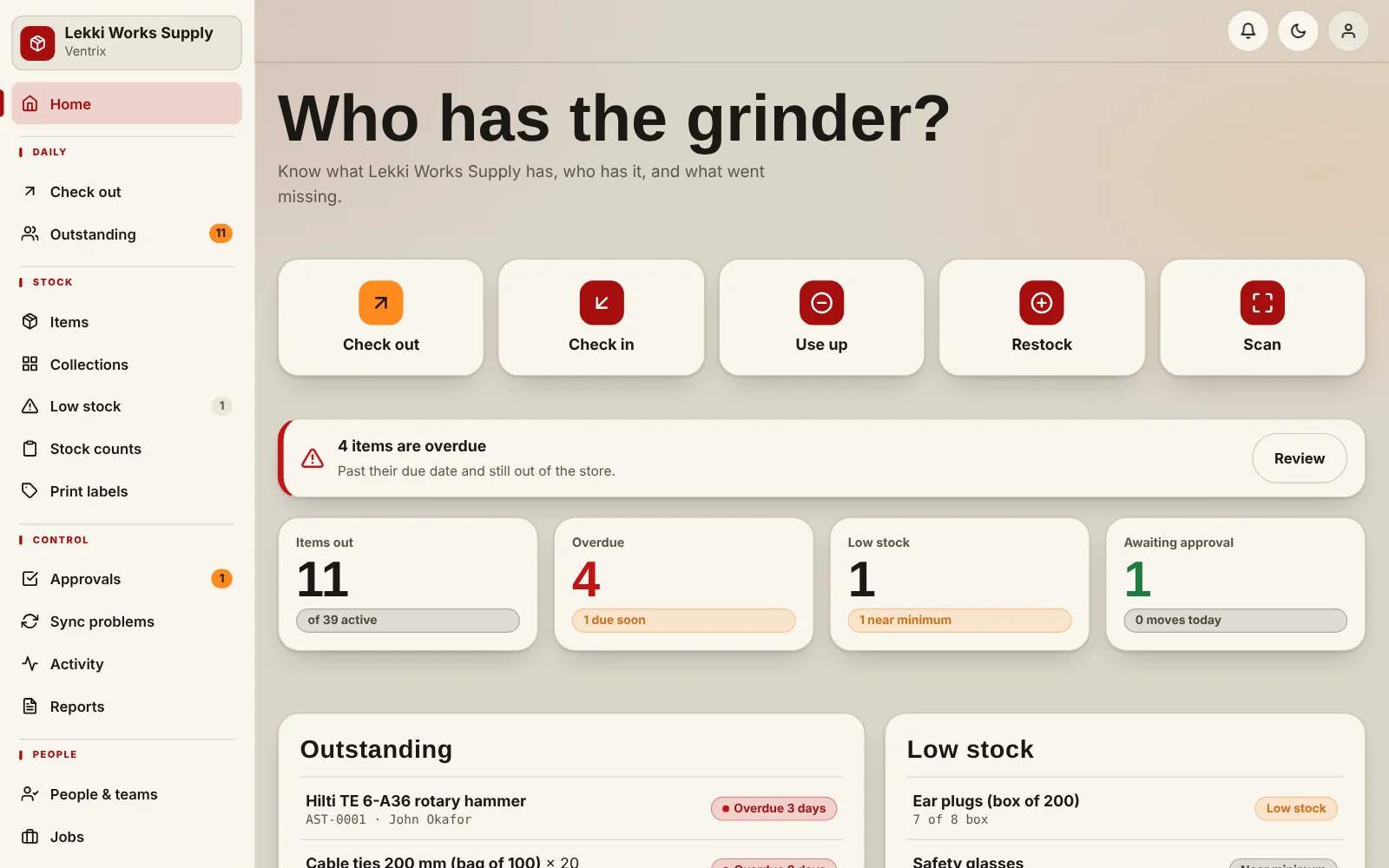
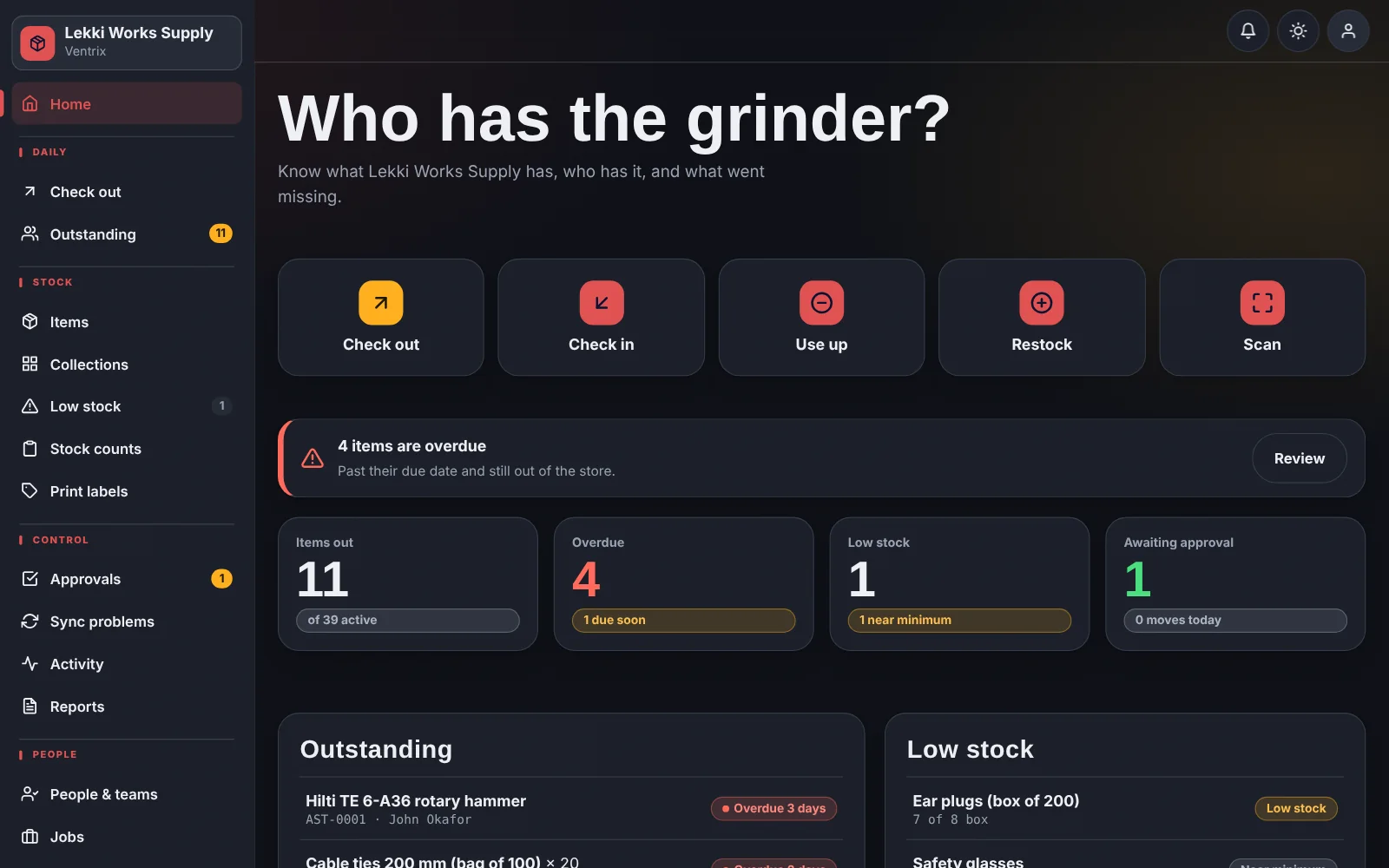
What you get
- Four roles: admin, supervisor, store staff and viewer
- Approval policy: choose which operations wait for a supervisor
- PIN switching so several people can use one shared device
- Optional photo proof for check-out, check-in, damage, adjustments and counts
- An activity log of who did what, and when
How it works
Add your team and give each a role.
Choose which actions need approval.
Choose where a photo is required.
Review the approvals queue and activity log whenever you like.
Common questions
Can staff change items?
Only if you allow it in settings. By default, item changes are for admins.
Is the activity log editable?
No. It is a record of what happened, not something users can rewrite.
Put a name next to every tool.
Add your items, add your team, and start checking things out.