Features / Reports & history
The answers your boss asks for, in one click.
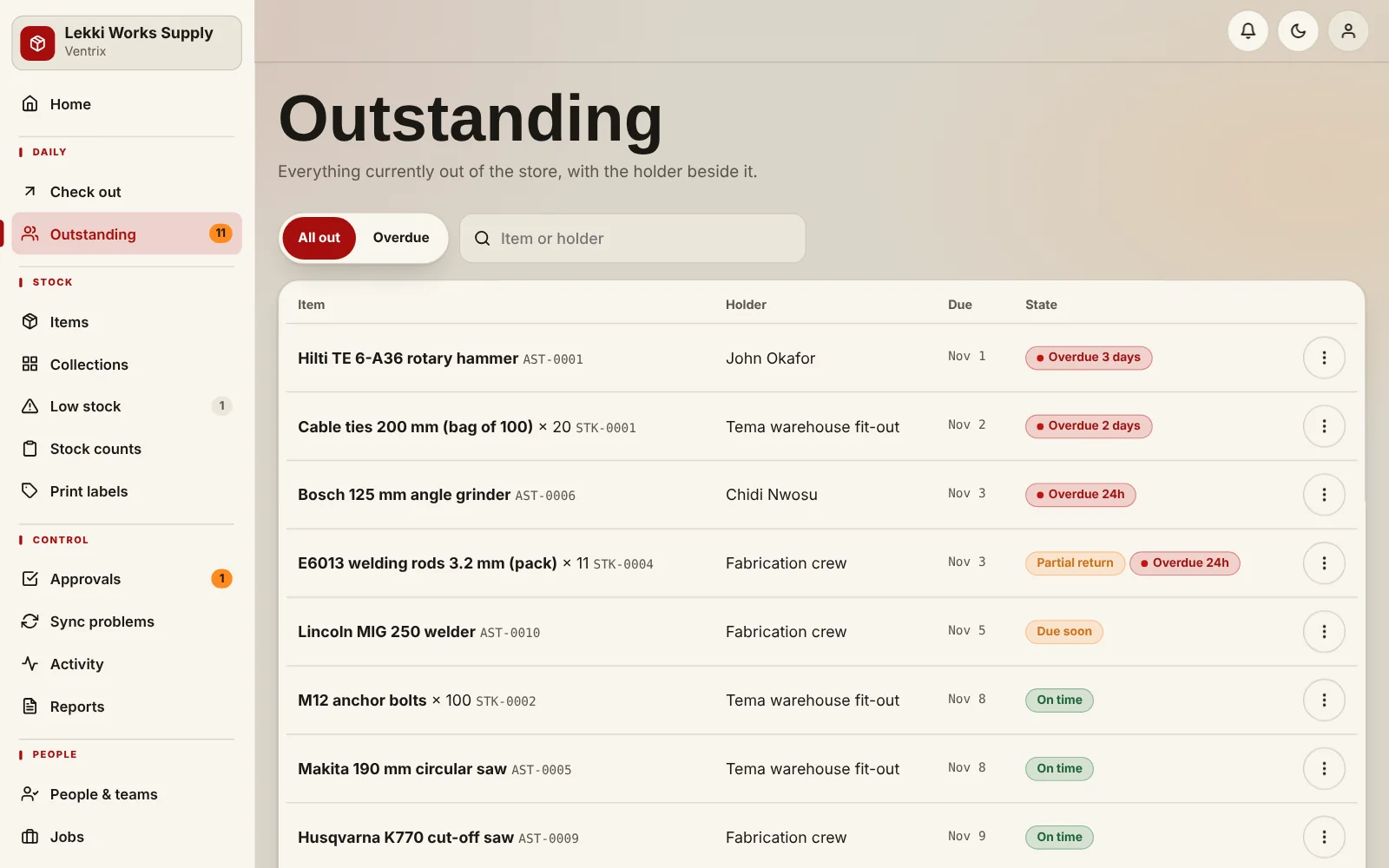
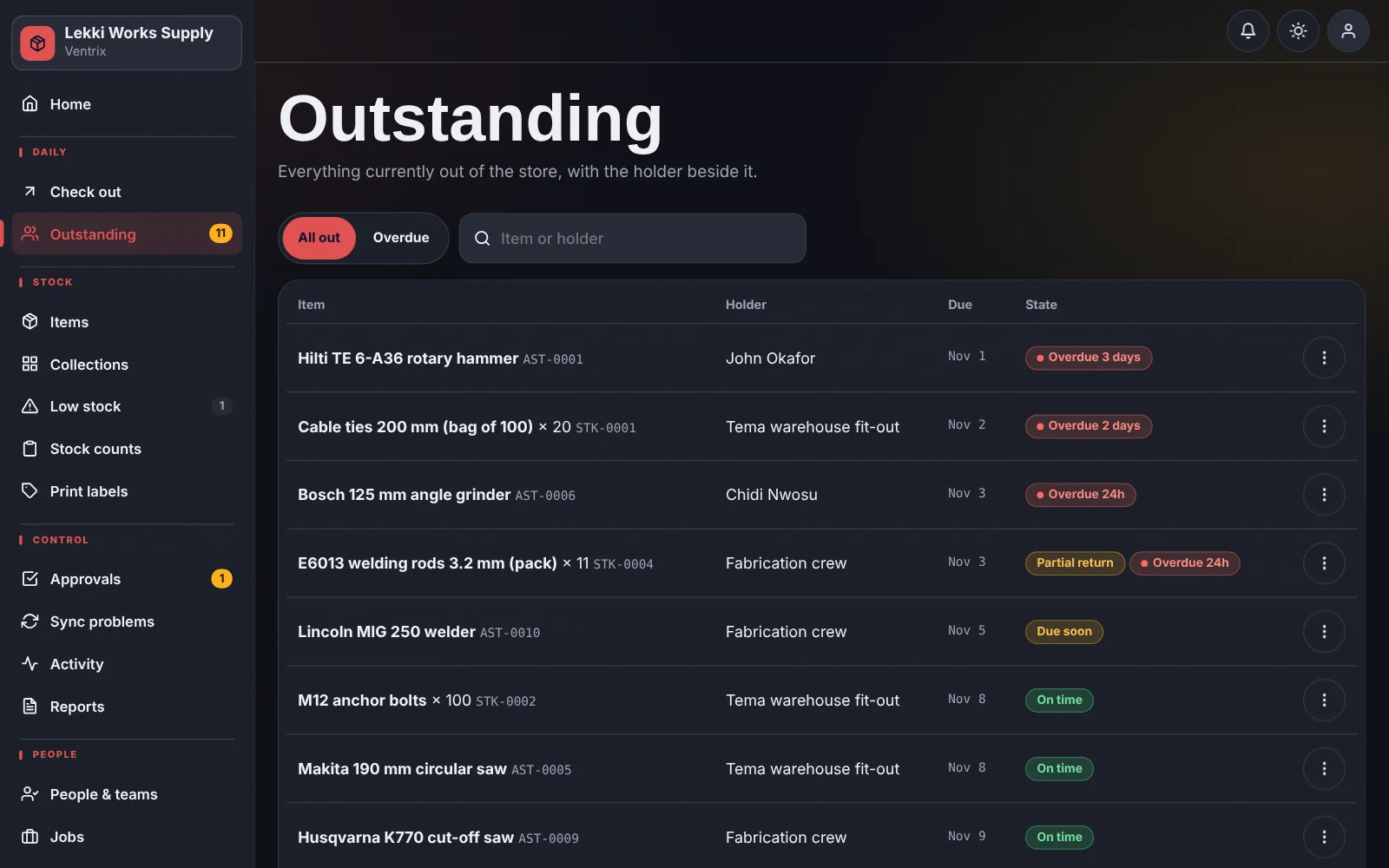
See what is outstanding, what is overdue and what is low. Export to CSV for finance or your own spreadsheet.
What you get
- Outstanding and overdue by person, team or job
- Low-stock and reorder lists
- Full transaction and activity history per item
- CSV exports for supervisors and admins
- Announcements to tell the whole team about a count or a closure
How it works
Open Reports and choose a report.
Filter by date, person or item.
Export to CSV.
Common questions
Which formats can I export?
CSV, which opens in Excel, Google Sheets and any other spreadsheet.
Who can see reports?
Supervisors and admins.
Put a name next to every tool.
Add your items, add your team, and start checking things out.